Laravel 13 · Model Context Protocol
An AI client can do everything a human can here, and an automated test keeps it that way.
Invoices, customers, tenancy and roles, built the ordinary way, then exposed through MCP with the exact same policies, validation and audit trail as the browser. If the two surfaces ever drift apart, CI fails.
The idea
One set of rules, two front doors
The web app and the MCP server are two views onto the same domain layer, and neither one is a special case.
Your app
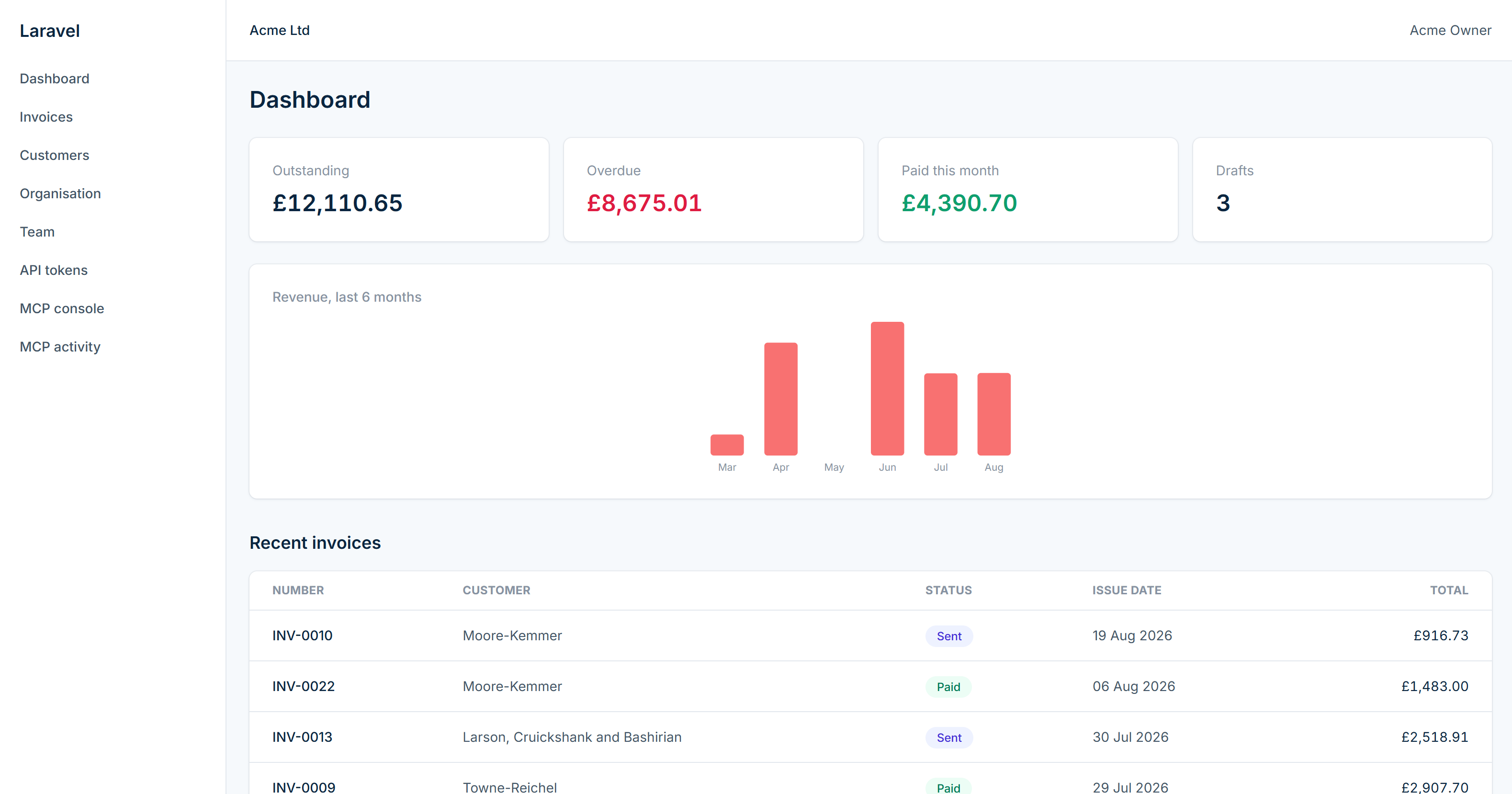
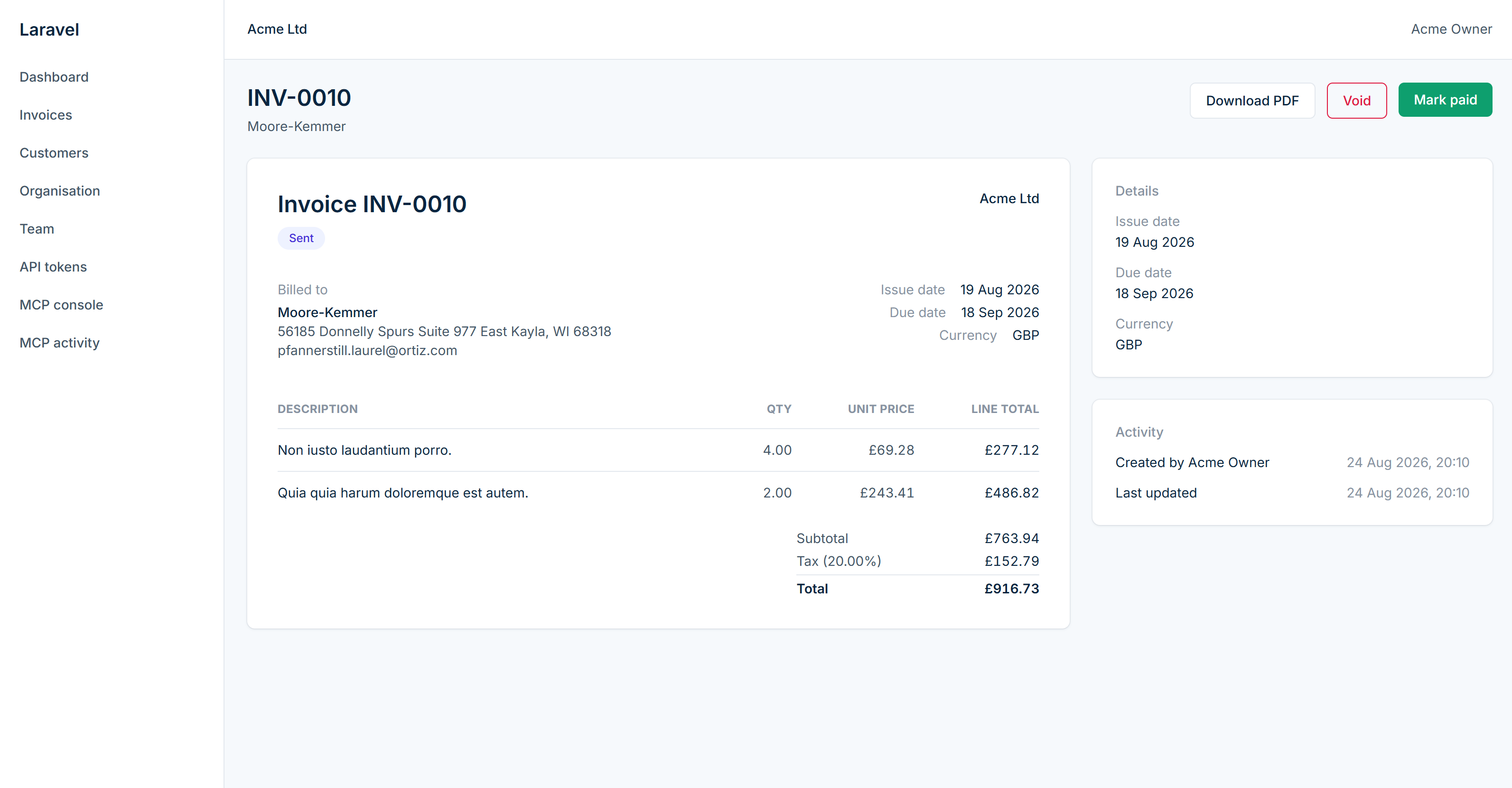
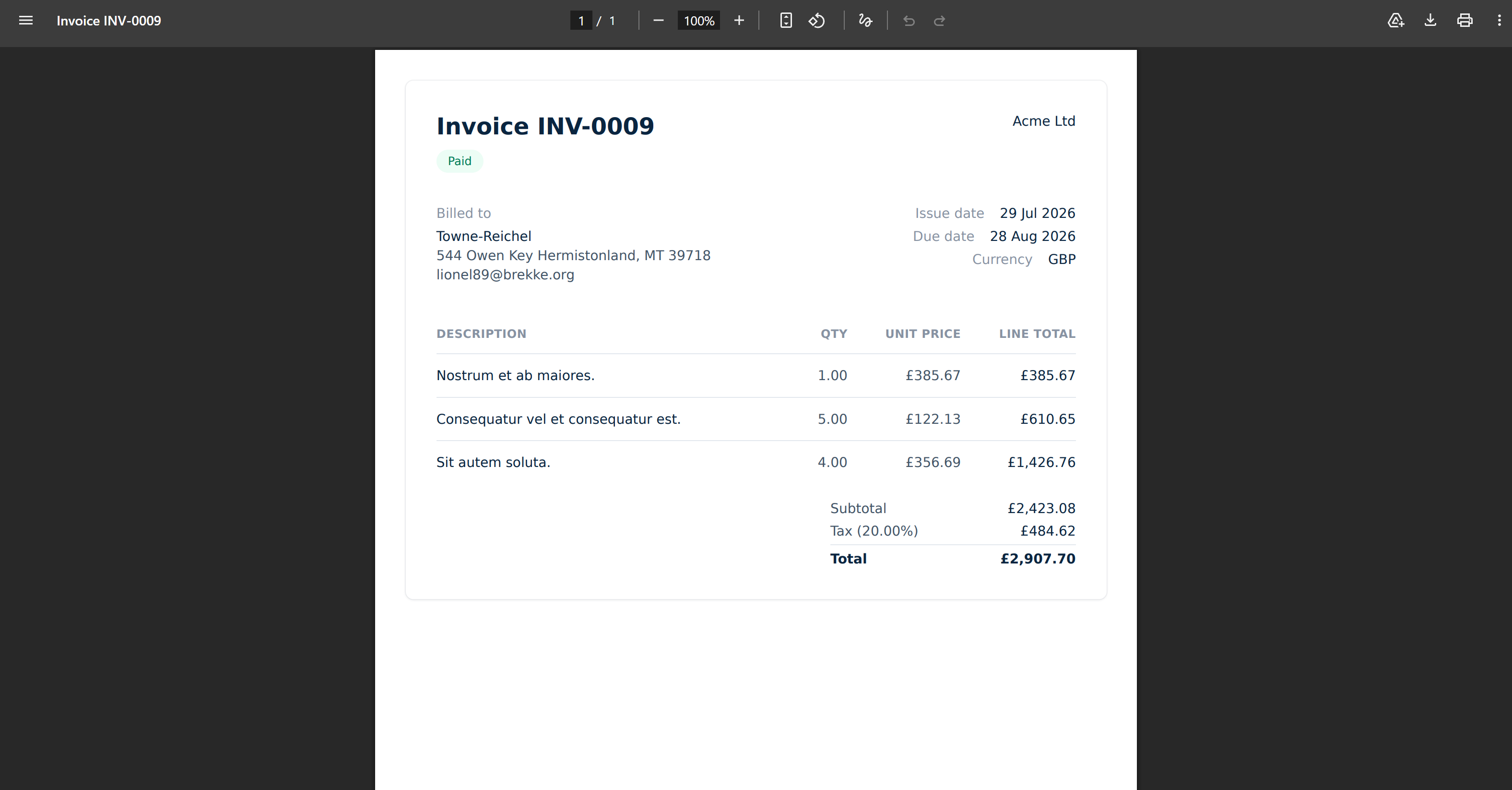
A Laravel invoicing product with real login, tenancy, roles and a PDF pipeline; nothing about it is scaffolding for the demo.
The MCP layer
Every tool, resource and prompt goes through the same policies and Form Request validation as the controllers, kept in lockstep by a declared capability map.
Any AI client
Claude Desktop, Claude Code or Cursor connect over the same Sanctum/OAuth-protected endpoint and see exactly what the signed-in user is allowed to see.
Architecture
Two paths in, one set of policies
The browser and every MCP client converge on the same actions, policies and audit log: there is no side door with weaker rules.
Live catalogue
Every tool, resource and prompt on the server
Rendered at build time from docs/data/capability-map.json, written by
artisan docs:capability-map straight from the running server, so this list cannot go stale.
Resources
Prompts
Parity matrix
Every route, mapped or exempt
If a controller action ships without a matching tool (or a reasoned exemption), this table goes red
and CI fails. The same data backs McpParityTest and the in-app
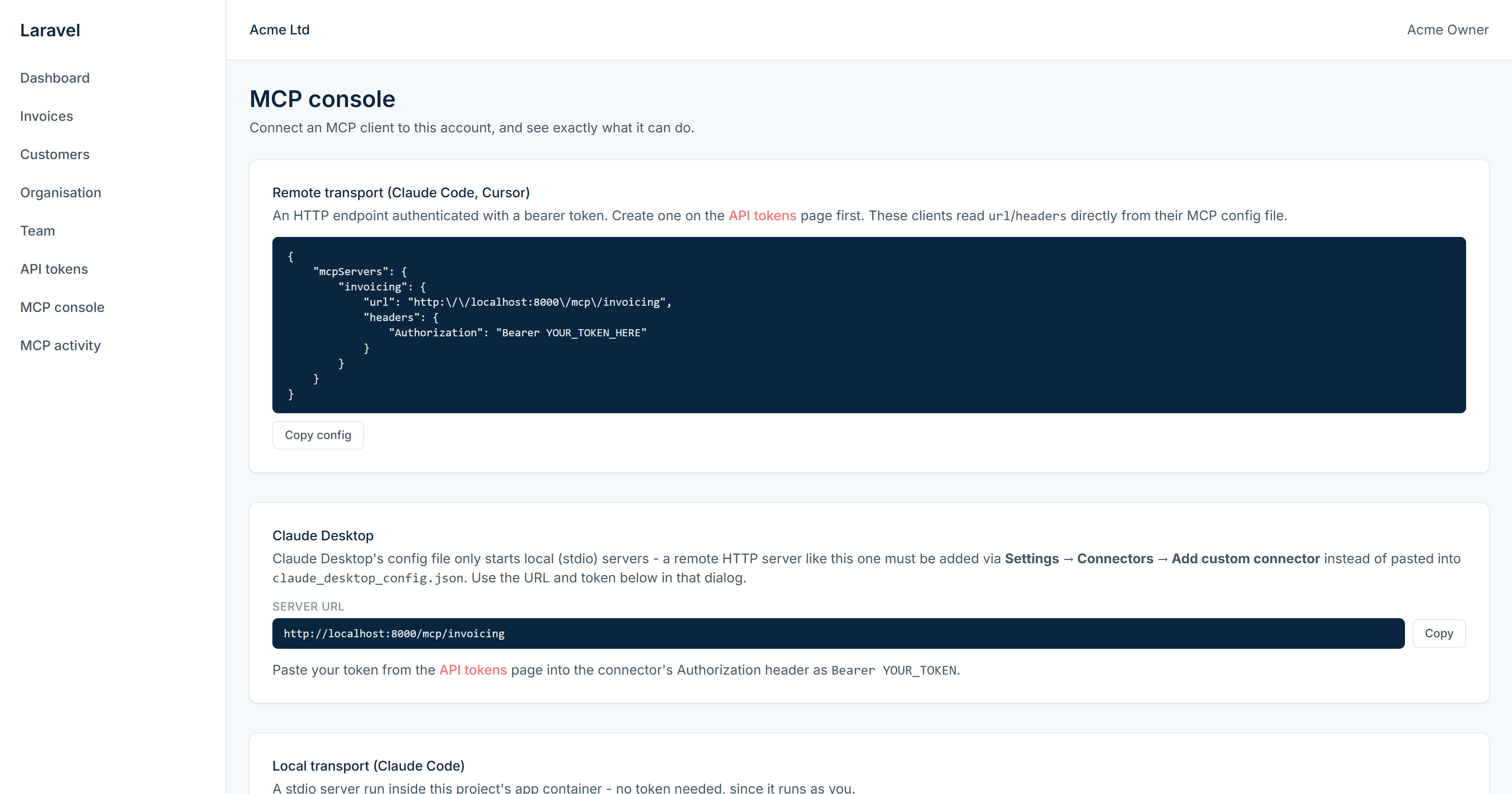
/settings/mcp console.
| Route | MCP tool / exemption | Covered |
|---|
CI runs this exact check on every push and fails the build if any row is not covered.
Security
The MCP layer is not a side door
Every write goes through the same guardrails, whether it came from a click or a tool call.
Tenancy
A global Eloquent scope keyed to the authenticated user's organisation applies identically to controllers and tools, so there is no separate MCP query path to forget to scope.
Per-tool authorization
Every write tool calls the same Laravel policy the matching controller action calls, via one shared authorizeTool() signal that laravel-auth-audit can scan for.
Prompt injection
Tool descriptions use defensive wording and never interpolate user data into instructions; free-text fields returned to the model are wrapped in explicit delimiters.
Confirmation gates
Destructive tools (invoices.delete, invoices.void) return a structured "are you sure" response instead of acting, until the caller explicitly confirms.
Idempotency
Every write tool accepts an optional idempotency key; a retried call with the same key replays the original result instead of repeating the mutation.
Audit trail
Every tool call is logged with who, what, arguments, outcome and duration, and surfaced at /audit/mcp: the answer to "what did the AI actually do last night."
Auth coverage
Closing the MCP blind spot
laravel-auth-audit scans routes, controllers and policies out of the box. MCP tools are
invokable classes it has never heard of, so this repo teaches it to scan app/Mcp/Tools too,
meaning a perfectly-covered HTTP surface can no longer hide an unguarded MCP one.
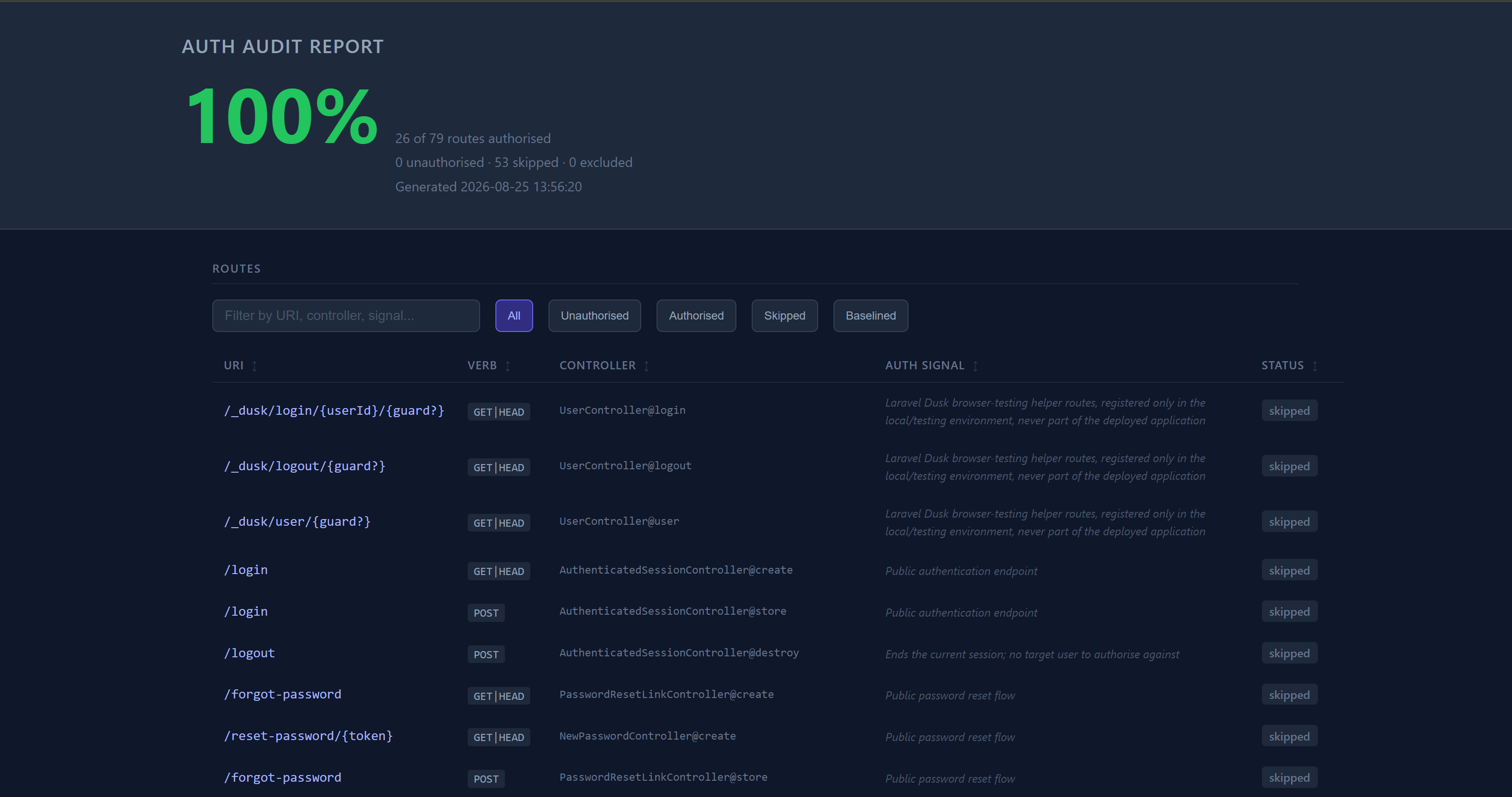
The audit runs in CI on every push, covering both surfaces, with the full HTML report published as a build artifact.

Auth-audit: 100% coverage (26/79 routes)
Quickstart
Running in a few minutes
git clone https://github.com/phoenix1331/laravel-mcp-invoicing-playground.git
cd laravel-mcp-invoicing-playground
make build
make up
make migrate
make seed
1. cloudflared tunnel --url http://localhost:8000
2. Set TUNNEL_HOSTNAME=http://xxxx.trycloudflare.com:8000 in .env, then make up
3. Claude Desktop -> Settings -> Connectors -> Add custom connector
4. Server URL: https://xxxx.trycloudflare.com/mcp/invoicing
5. Approve the OAuth consent screen when prompted
{
  "mcpServers": {
    "invoicing": {
      "command": "docker",
      "args": ["compose", "exec", "-T", "app", "php", "artisan", "mcp:start", "invoicing"]
    }
  }
}
Screenshots
A few screens